You’ve got a vocal-only recording. No drums, no bass, just a voice. Finding the tempo suddenly gets a lot harder.
What Is the Fastest Way to Find Vocal-Only Tempo?
Tap along to the natural rhythm of the words. A tap tempo tool turns your taps into an accurate BPM in seconds.
Why Is Vocal-Only Tempo Hard to Detect?
Automatic BPM detectors look for sharp rhythmic hits, usually drums or bass.
A voice doesn’t produce those same hits. Timing shifts with phrasing, breath, and delivery style.
That’s why an automatic tool can misread a vocal track, or return a number with low confidence.
Think about a spoken verse versus a drum loop. The drum loop hits at exact intervals. A voice speeds up, slows down, and pauses for emphasis, all natural, but hard for software to lock onto.
How Do You Find Tempo Without Any Music?
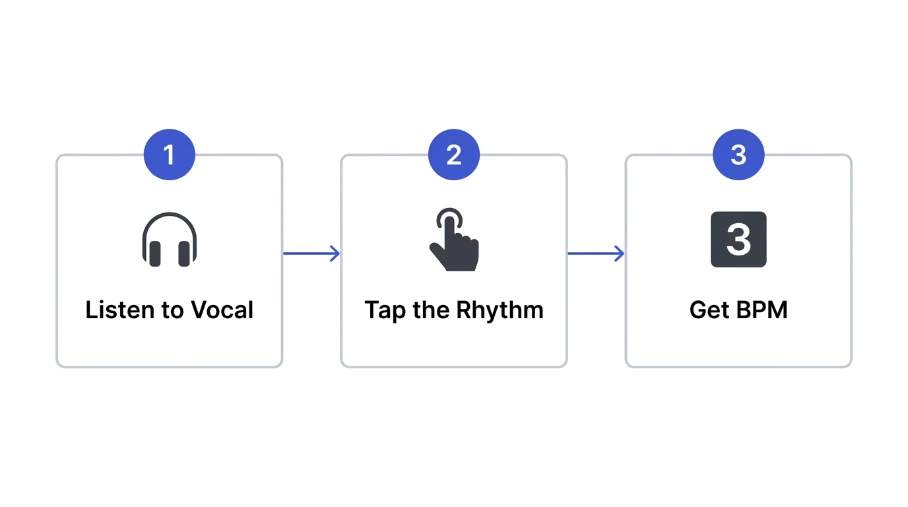
Follow this simple process.
Listen for a repeating pattern. Stressed syllables, claps, or breath points often reveal the pulse.
Tap along to that pattern using a tap tempo tool.
Keep tapping through the full phrase, not just a few seconds.
Cross-check the result against a second section of the track.
Vocal timing can drift, so one short burst of taps isn’t always reliable.
This matters most for longer tracks. A verse might sit at one tempo while a chorus feels slightly faster, even without instruments to confirm it.
Vocal Style and Detection Difficulty
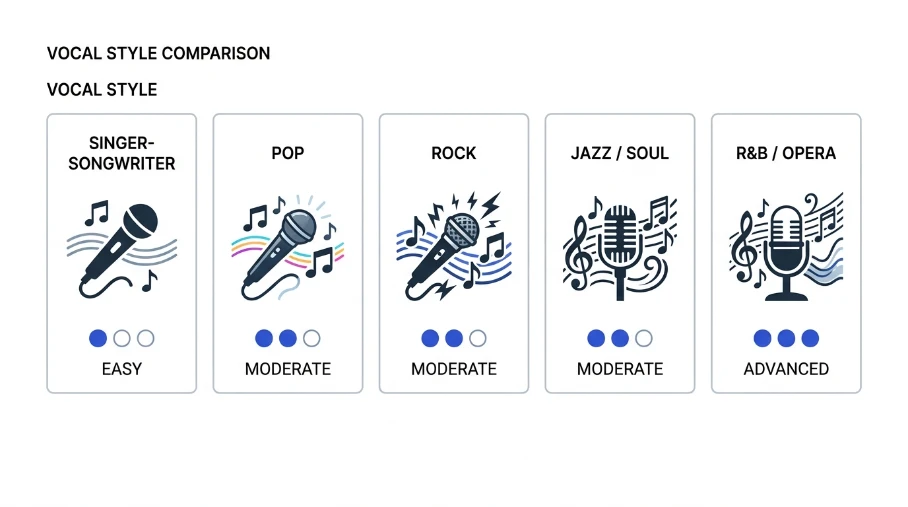
Some vocal styles are easier to read than others. Use this table as a guide.
| Vocal Style | Detection Difficulty | Best Method |
|---|---|---|
| Rap or spoken word | Low | Tap tempo, syllable counting |
| Sung melody, steady rhythm | Medium | Tap tempo |
| Free-form ballad, rubato | High | Manual counting with context |
| Acapella group harmony | Medium | Tap tempo on the lead vocal |
| Whispered or ambient vocal | High | Manual, use surrounding context |
Rap and steady sung melodies give the clearest pulse. Free-form or rubato vocals often don’t have one true tempo at all, and forcing a single BPM onto them can be misleading.
Tips for Reading Vocal-Only Tempo
Tap on stressed syllables, not every sound. This keeps your rhythm consistent.
Use headphones to isolate the vocal from background noise.
Loop a short, repeating phrase for a more stable reading.
Tap across a few different sections, then average the results.
Slow the playback speed slightly if the vocal moves too fast to tap accurately. Most players let you do this without changing pitch much.
Common Mistakes to Avoid
Don’t trust one automatic reading blindly. Detectors sometimes force a number even without a real beat.
Don’t tap to breath pauses. Tap to the rhythmic pulse instead.
Don’t ignore rubato sections. Free-timed vocals genuinely don’t have a fixed BPM.
Don’t stop after a few taps. A short burst rarely reflects the whole track.
Don’t skip cross-checking with a metronome. Playing a click alongside the vocal quickly confirms if your number holds up.
Use BPM Tapper for Vocal-Only Tracks
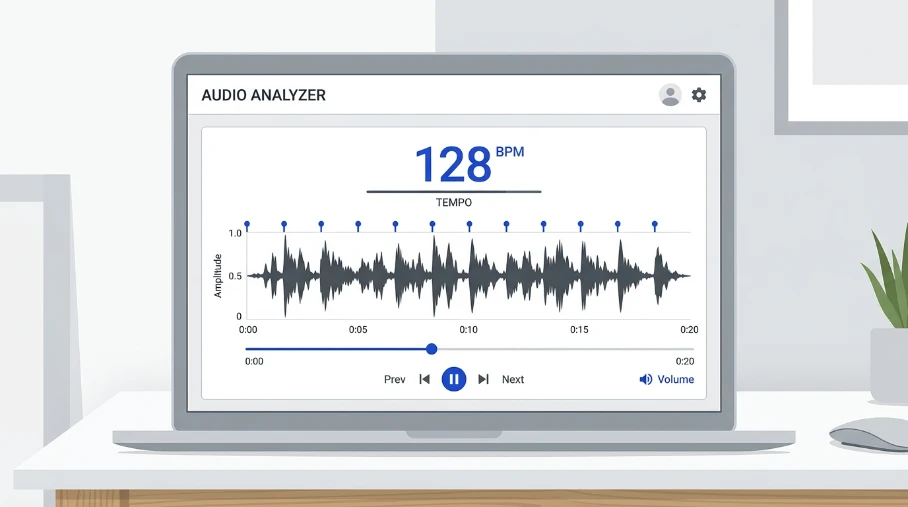
Automatic detection struggles without a beat to grab onto. Tapping fixes that.
Our BPM Tapper lets you tap along to any vocal and get an instant BPM reading. No drums or bass required.
Once you have a number, confirm it with our Metronome. Play the click alongside the vocal and check if it lines up.
If your recording does have some rhythmic backing, like a click track or light percussion, try our BPM Finder instead for a faster automatic read. For more background on detection methods in general, see our guide on how to find the BPM of a song.
Can a BPM finder detect tempo with no music at all?
Automatic tools can struggle without rhythmic hits to analyze. Some will still return a number, but confidence is often low. Tap tempo tools work better here, since they rely on your own timing instead of detecting hidden beats.
How do I find the tempo of an acapella track?
Tap along to the lead vocal’s natural rhythm using a tap tempo tool. Focus on stressed syllables or repeated phrases. Cross-check your result across a few sections of the recording for a more reliable BPM.
What if the vocal has no steady rhythm?
Free-form or rubato vocals may not have one true tempo. In these cases, pick the section with the clearest pulse and use that as a working BPM, rather than forcing a single number onto the whole track.
Can I tap tempo on my phone?
Yes. Most browser-based tap tempo tools work on mobile devices. Tap the screen along to the beat, and the tool calculates your BPM the same way it would on a desktop.
How accurate is tap tempo compared to automatic detection?
Tap tempo depends on your own timing, so accuracy varies by how consistent you tap. For vocal-only tracks, it’s often more reliable than automatic detection, since it doesn’t need a strong rhythmic hit to work. Practicing on a few tracks first helps improve your consistency.
Quick Takeaway
Vocal-only tracks don’t play nice with automatic BPM detection. Tap along instead, cross-check your result, and trust the pulse over the pauses.
Try our free BPM Tapper to get a tempo reading from any vocal, no music needed.
Leave a Reply