Picking the right key before you produce saves hours later. Which key finder plugin actually works inside your DAW?
What Are the Best Key Finder Plugins for FL Studio, Ableton, and Logic Pro?
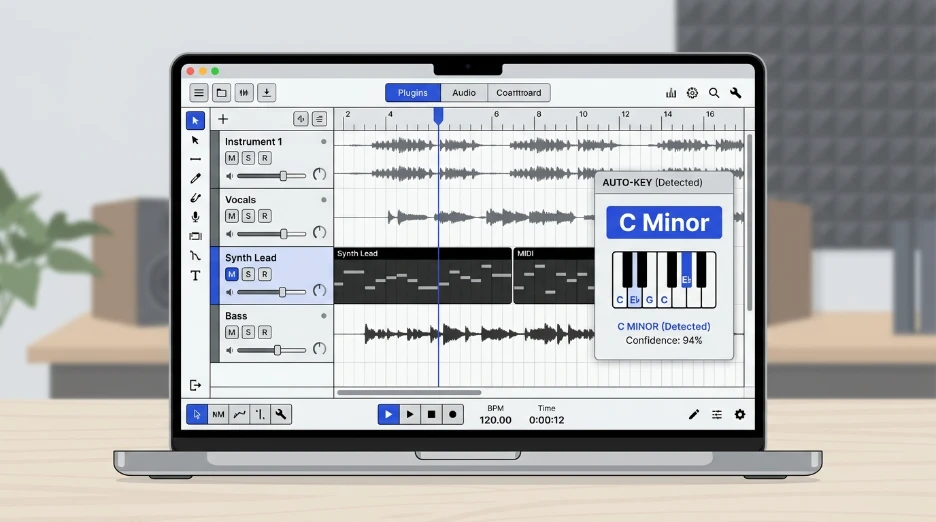
Antares Auto-Key works well for real-time key detection while you produce. Melodyne adds scale and pitch detail. Mixed In Key handles batch tagging before import.
What Does a Key Finder Plugin Actually Do?
A key finder plugin analyzes audio and estimates its root note and scale, major or minor.
Some plugins run live inside a track as you play or record. Others analyze a file once you drop it in, or before you even open your DAW.
Knowing the key early helps you pick compatible samples, write basslines, and avoid clashing harmonies later.
Say you’re layering a vocal chop over a new beat. Knowing both keys upfront saves you from pitching the sample after the fact.
What Should You Look For in a Key Finder Plugin?
Check plugin format first. Logic Pro only supports Audio Units, or AU. FL Studio and Ableton support VST and VST3, with AU also available on Mac.
Decide if you need real-time detection or offline batch analysis.
Consider whether you’re tagging one track or an entire sample library.
Compare pricing type. Some tools are a one-time purchase, others run on a subscription.
Best Key Finder Plugins Compared
Here’s how the main options stack up.
| Tool | Format | Works In | Real-Time? | Best For |
|---|---|---|---|---|
| Antares Auto-Key | VST, AU, AAX | FL Studio, Ableton, Logic Pro | Yes | Live key detection while producing |
| Melodyne (Celemony) | VST, AU, AAX, ARA | FL Studio, Ableton, Logic Pro | No, per-clip | Pitch editing plus scale and key info |
| Mixed In Key | Standalone app | Any DAW, via file tags | No, batch offline | Tagging a full sample or track library |
| KeyFinder (open source) | Standalone app | Any DAW, via file tags | No, batch offline | Free, budget-friendly library tagging |
Real-time plugins fit production work. Standalone taggers fit library prep before a session even starts. Most producers end up using one of each.
Tips for Choosing a Key Finder Plugin
Use a real-time plugin like Auto-Key while composing, so you always know your current key.
Batch tag your sample library before a session starts. Drag-and-drop stays fast once files already carry key data.
Cross-check a plugin’s read against your ear, especially on ambiguous minor and major tracks.
Test a free tool first before buying a paid plugin. Your workflow might not need real-time detection at all.
Keep a consistent tagging habit across your library. Mixing tagged and untagged files makes searching harder later.
Common Mistakes to Avoid
Don’t buy a plugin before testing a free option first. Many free tools handle basic key detection just fine.
Don’t assume every plugin format works in every DAW. Logic Pro skips VST entirely.
Don’t skip the compatibility check. A great plugin is useless if your DAW can’t load it.
Don’t rely on one tool’s read for a track with a real key change mid-song.
Don’t forget to update tags after remixing or pitch-shifting a track. The key changes along with the pitch.
Check a Track’s Key Before You Load Any Plugin
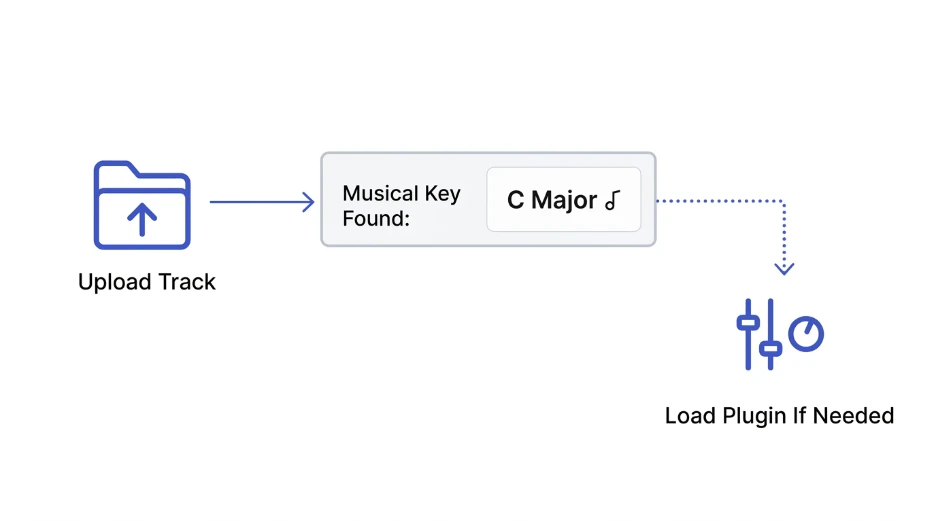
Installing a plugin for one quick check wastes setup time.
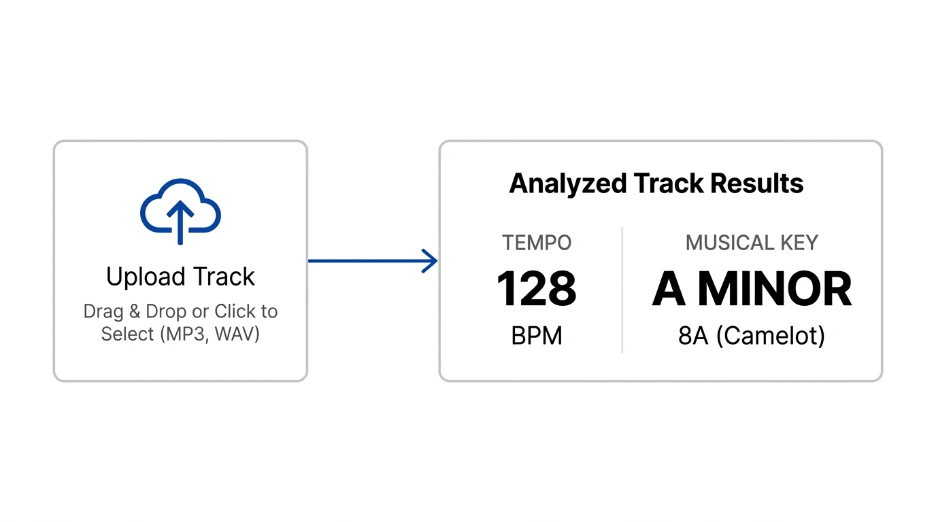
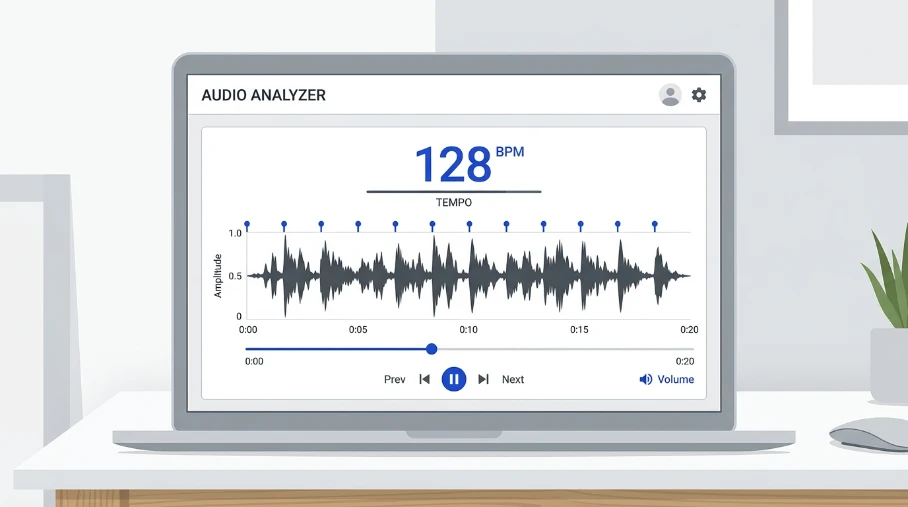
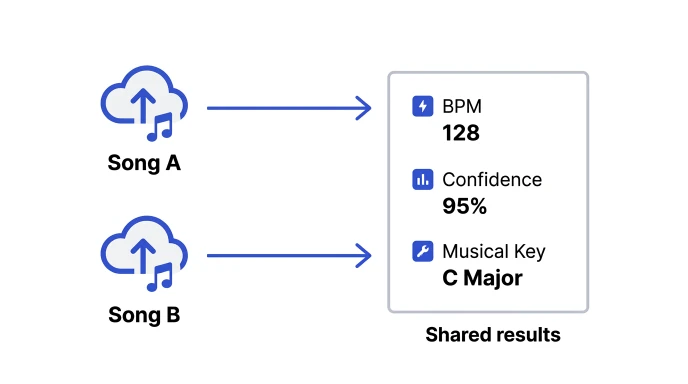
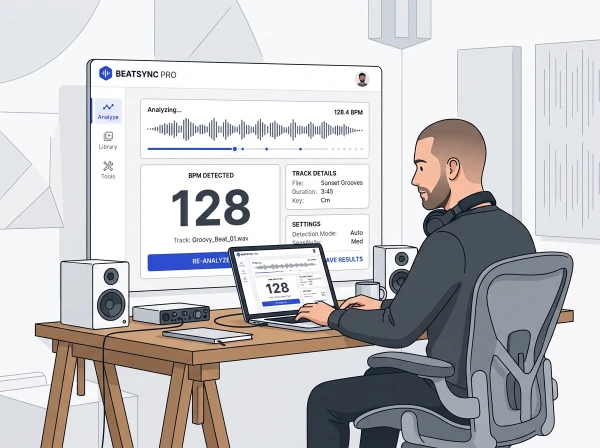
Our BPM Finder detects both tempo and musical key in your browser, no install needed. Use it to check a track before deciding if a paid plugin is even worth loading.
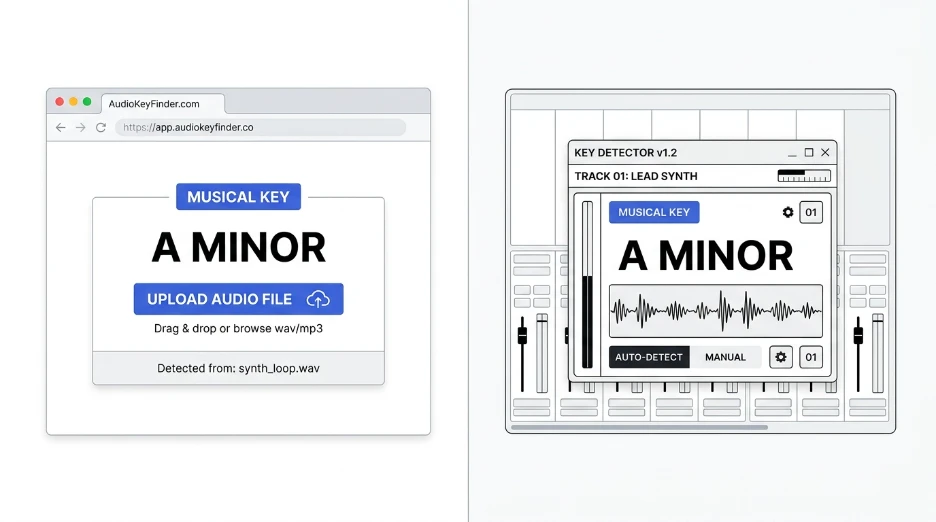
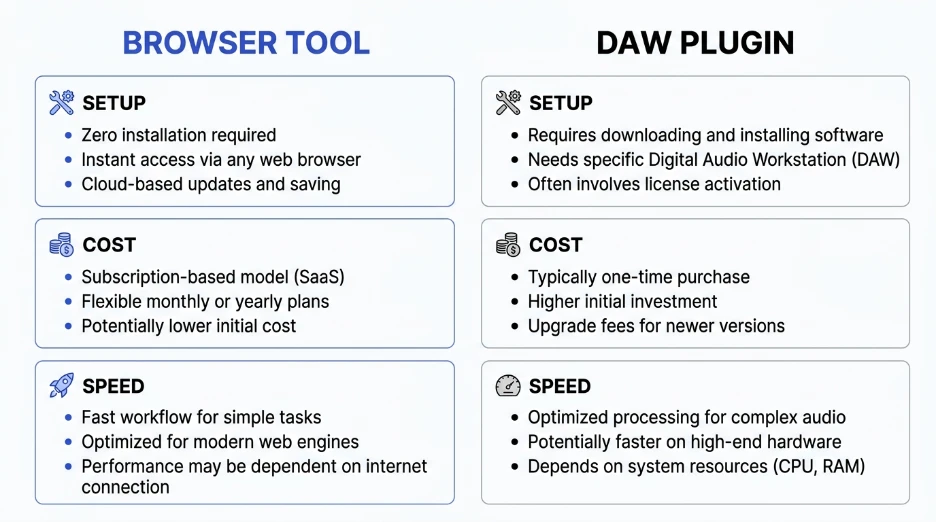
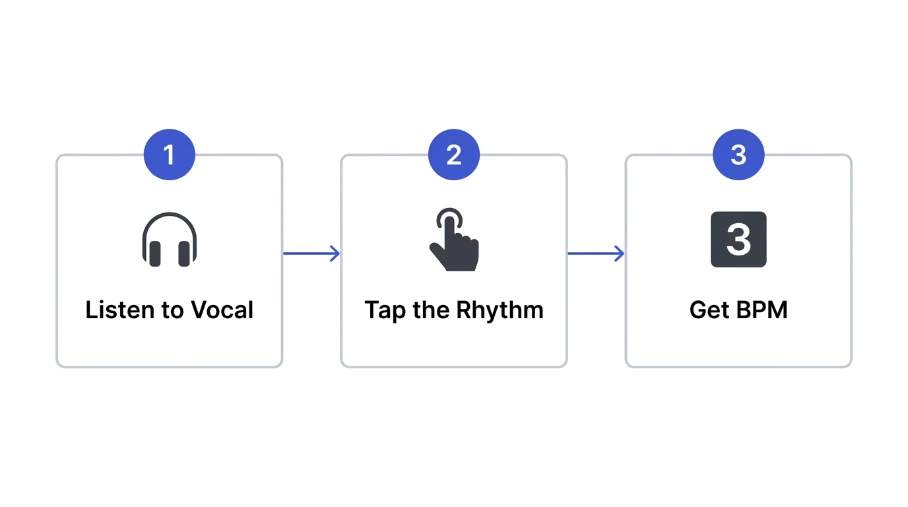
Already comparing browser tools against DAW plugins in general? Our guide on browser key finder vs DAW plugins breaks down the trade-offs further. For background on tempo detection methods, see how to find the BPM of a song.
Which key finder plugin works in Logic Pro?
Logic Pro only supports Audio Units, or AU, plugins. Antares Auto-Key and Melodyne both ship in AU format, so either works directly inside a Logic Pro session without extra setup.
Is Melodyne a key finder or a pitch correction tool?
Melodyne is primarily a pitch correction and editing tool. It also displays scale and key information as part of its note analysis, making it useful for key detection alongside its main pitch-editing features.
Do I need a paid plugin, or is a free key finder good enough?
For occasional checks, a free tool or browser-based key finder usually works fine. Paid plugins earn their cost with real-time detection, batch tagging, or deeper integration inside a busy production workflow.
Does FL Studio have a built-in key finder?
FL Studio doesn’t include a native key detection feature by default. You’ll need a third-party plugin like Auto-Key, or a browser-based tool, to get a key reading for your tracks and samples.
Can I use a key finder plugin in real time while producing?
Yes. Plugins like Antares Auto-Key are built for exactly that. They analyze audio as it plays, showing the detected key live so you can write and layer parts with confidence.
Quick Takeaway
The best key finder plugin depends on your workflow. Real-time tools suit active production. Batch taggers suit library prep. Check format compatibility before you buy anything.
Try our free BPM Finder to check a track’s key before committing to any plugin.